From RFP to estimate in minutes
Here is how to use StratQuote, step by step.
1
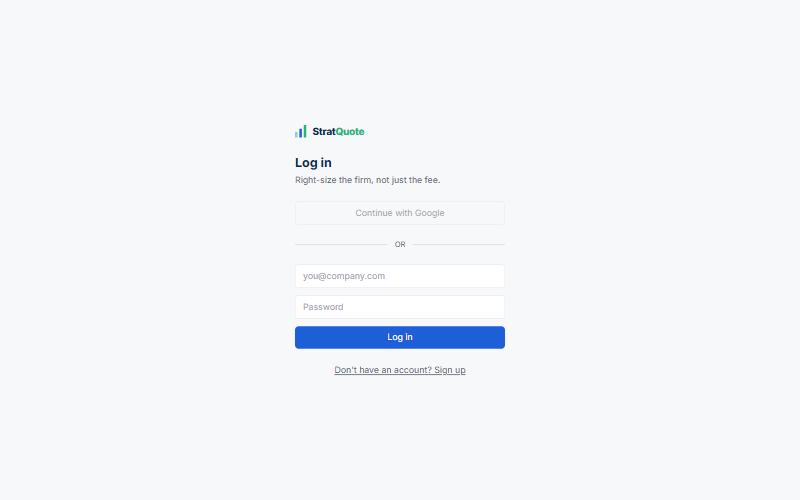
Sign in
Log in to open your workspace. Google sign-in is coming soon.
2
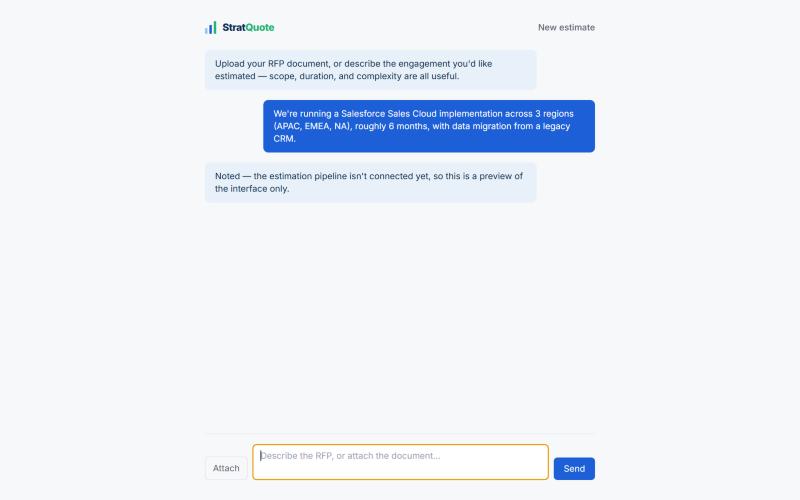
Upload your RFP or describe it
Attach a PDF or Word file (up to 1 MB), or describe the engagement in the chat. Scope, duration and complexity are what we need.
3
We build the estimate
- We break the RFP into tasks, the way an engagement manager would scope it.
- We size the hours and the team for each task.
- We price the work at four firm tiers, using hours multiplied by rates from the costing dataset.
- You get a report with the cost by tier and a recommended firm tier, with the reasoning.
You can follow each step as it runs: reading, task breakdown, team sizing, costing and report.
4
Coming soonChat with your report
Once your estimate is ready, ask why a tier was recommended, what drives the cost or where the risks are. The chat only answers questions about your RFP and its estimate. The preview on this page is illustrative.
Report chat (preview)
Which tasks drive most of the cost?
Data migration and system integration account for the largest share of hours in this estimate. Both are in the Build phase.
Why did you recommend that tier?
Total cost and team size fall within that tier's range, and the delivery risk is moderate.
Ask a question about your report